‘I don’t know which inspections are about to expire.’
See what needs attention.
Filter your equipment by status: up to date, due soon, overdue or missing a record.
AREV for businesses and facilities
AREV brings your equipment, inspection validity and related reports together in one place. See which inspections are about to expire and find the document for a specific equipment item.
Are your inspection records on paper or in PDFs? We can help you digitise them.
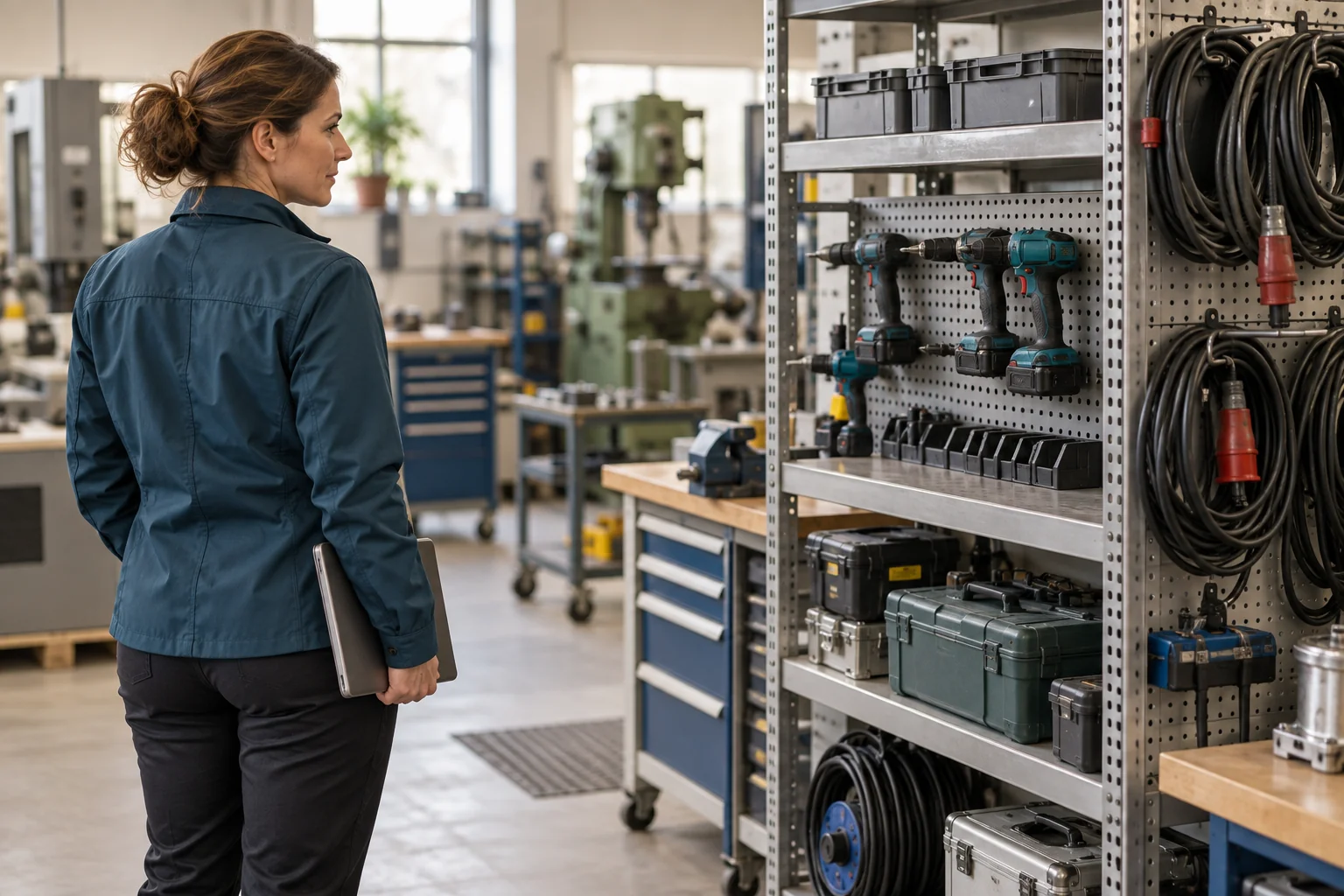
Find equipment due for inspection or already overdue. Open any item to see its history and latest report. Keep the records you need for your next visit or audit in one place.
This illustration explains the workflow. The application interface may differ.
For owners, operations managers and maintenance teams who need to know what has been inspected and what still needs attention.
‘I don’t know which inspections are about to expire.’
Filter your equipment by status: up to date, due soon, overdue or missing a record.
‘Someone in the office probably has that document.’
Find the specific item in your equipment register. Its inspections and report are clearly linked.
‘What issues came up with this equipment last time?’
Each item keeps its past results and recorded issues, so you can check what happened last time before the next visit.