‘I have to enter every item separately.’
Enter inspected equipment items in bulk.
Enter several inspected equipment items at once. On larger jobs, you do not have to repeat the process one item at a time.
AREV for inspection technicians
Handle everything from your phone while you are on site: enter the inspected equipment items, record the result and any defects, and prepare inspection reports. There is no need to wait until you return to your computer.
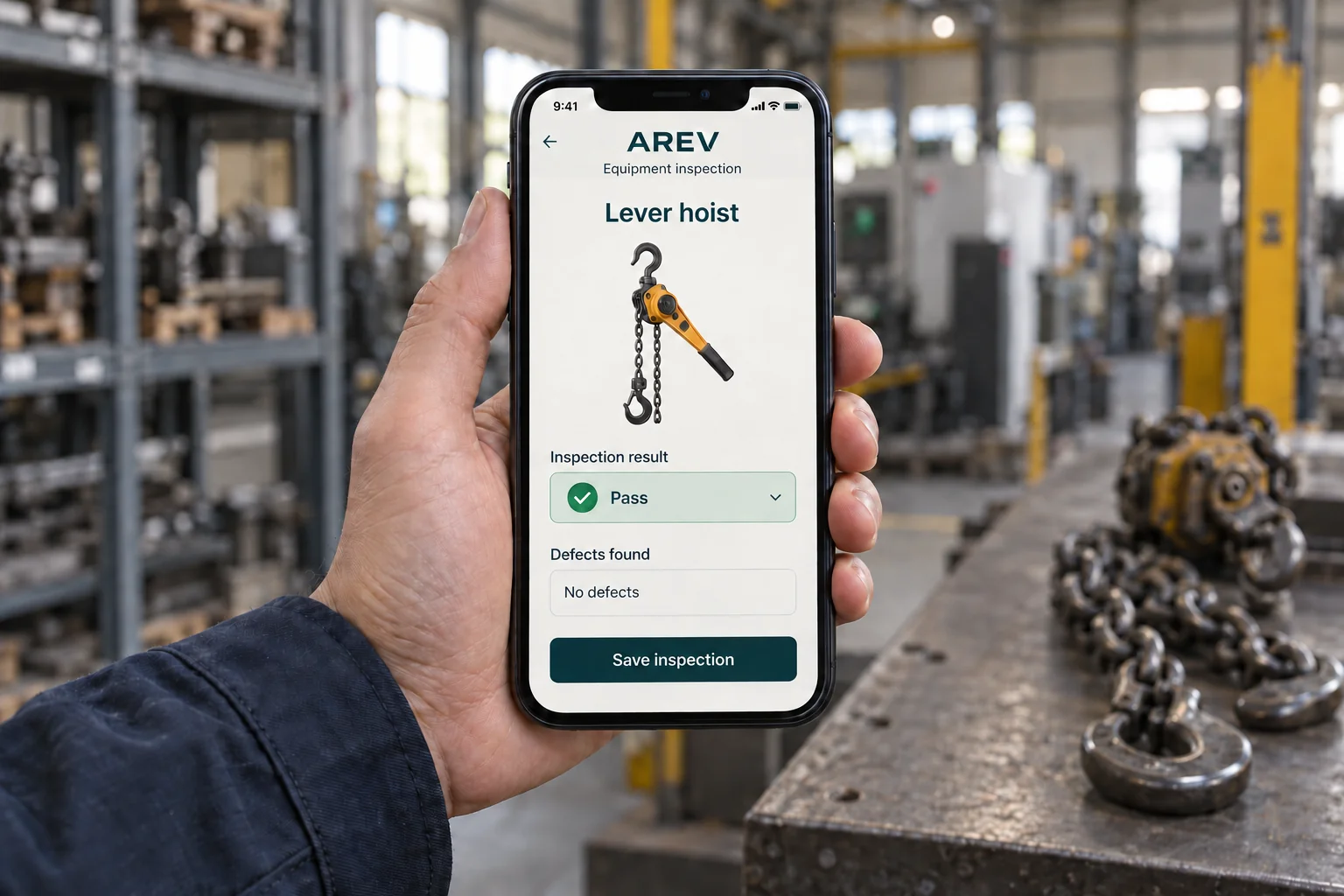
Record the result and any defects against the inspected equipment item. From the saved inspection, open the report for printing or save it as a PDF.
This illustration explains the workflow. The application interface may differ.
Enter multiple inspected equipment items at once, add a missing item during the inspection and prepare reports for batch printing. All directly from your phone.
‘I have to enter every item separately.’
Enter several inspected equipment items at once. On larger jobs, you do not have to repeat the process one item at a time.
‘This item is not in the records yet.’
Add a missing item during the inspection. There is no need to switch to a separate equipment register and then return to your work.
‘Now I still have to print every report.’
Print multiple reports at once. You no longer need to open each document and start printing it separately.